Inventory management is knowing what you have, where it is, what it cost and when to reorder. A warehouse management system goes one level down: it directs the work inside the building, telling people where to put goods away, what to pick and in which order. A POS (point of sale) system records sales at the counter and takes the sold items out of stock. Many businesses need the first, some need the second, and shops need the third connected to the first.
The reason to invest in any of them is the same: the number on the screen should match the shelf. When it does not, you sell what you do not have, reorder what you already hold, and find out about losses at the annual count.
We build stock systems for companies whose inventory does not fit a package, and we connect the system you already have to your accounting, your online store and your tills.
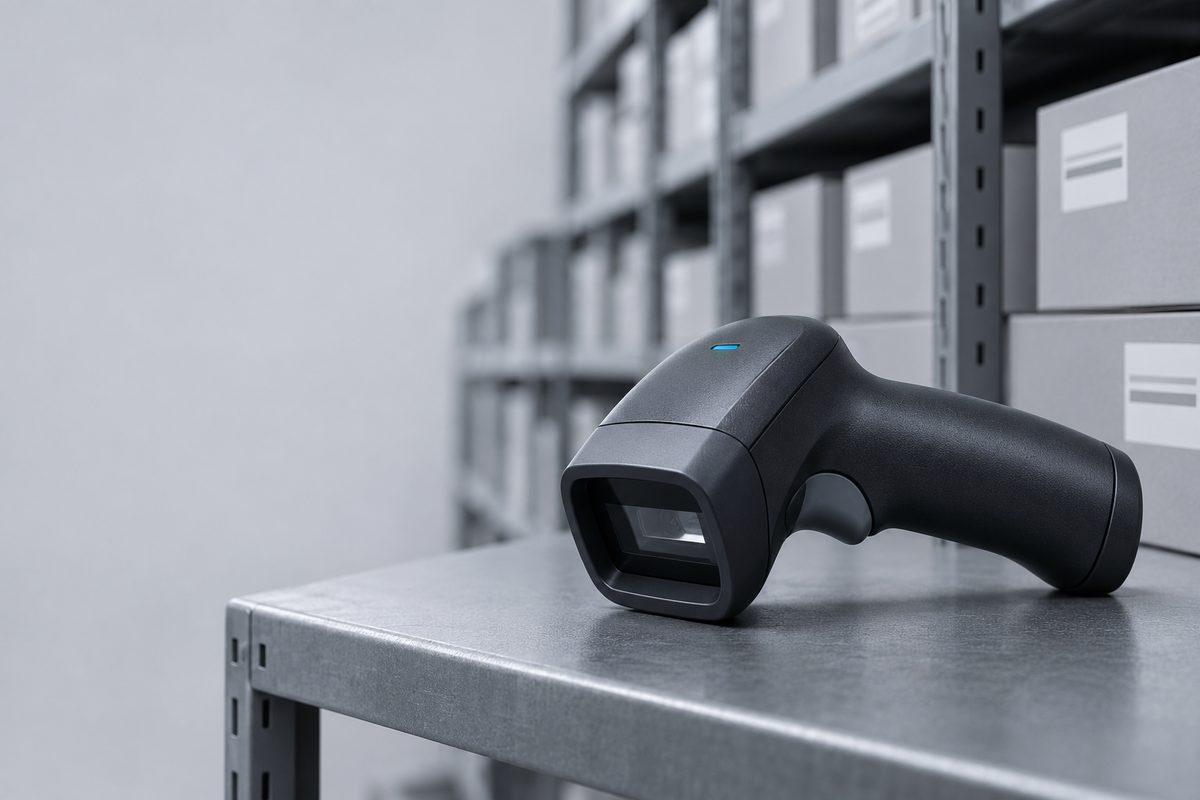
Inventory management software, a warehouse management system or POS
Start from where the problem is. If you do not know your stock levels or your reorder points, you need inventory management. If you know what you hold but your people lose time finding it, pick the wrong item or ship late, you need a warehouse management system. If the shop floor and the stock room disagree at the end of every day, the fault is between your POS and your inventory.
Buying a warehouse system to fix a counting problem is a common and expensive mistake. Directed picking is worth nothing if the quantities it directs people to are wrong.
When packaged inventory software is enough
For one location, a few hundred items and no batches or serial numbers, the inventory module of your accounting package is usually all you need. Zoho Inventory and the stock features in QuickBooks, Xero, Tally and Odoo handle purchase orders, sales orders, stock levels and reorder alerts without any custom work.
Buy the package and spend your effort on the item list. A clean item master, with one code per item, one unit of measure and no duplicates, does more for stock accuracy than any feature.
When to build a system around your stock
Packages assume a simple item on a simple shelf. They strain when stock has batches and expiry dates, serial numbers that must be traced to a customer, several warehouses and vans that transfer between each other, goods held on consignment, or items assembled into kits. They strain most when the stock system must agree, minute by minute, with an online store and several tills.
At that point you either customise a package heavily or build a system around how your stock really moves. A built system holds exactly your rules, and it connects to your accounting package, which stays as the ledger.
Getting stock figures you can trust
Software does not make stock accurate. Habits do, and the software has to make the right habit the easy one. Every movement gets recorded where it happens: receiving at the door, transfers when the van is loaded, write-offs when the damage is found. If recording is slower than not recording, people will skip it.
Replace the annual count with cycle counting, where a few items are counted every day and the high-value ones more often. Differences surface in days, while someone still remembers what happened, and the year-end count becomes a confirmation.
What it costs, and what drives it
With a package you pay the vendor a subscription, and the work is cleaning the item list and loading opening stock. For a built system the cost follows the number of locations, how many kinds of movement you record, whether you trace batches or serials, and how many systems it must stay in step with.
Custom software comes as a licence, where we keep and maintain the code, or as a code handover, where you buy the source code. The two are quoted differently, so decide before work starts.
What an inventory or warehouse system project includes
- Item master cleanupOne code, one description and one unit of measure per item, with duplicates merged. Everything else depends on this.
- Locations and stock rulesWarehouses, stores, vans and bins set up as you use them, with reorder points and the rules for batches, expiry or serial numbers where you need them.
- Movement flowsReceiving, put-away, picking, transfers, returns and write-offs designed so each is recorded at the moment it happens, from a phone or a handheld.
- Barcode labels and scanningItems and locations labelled, and scanning built into the flows so quantities are captured without typing.
- ConnectionsStock kept in step with your accounting, your online store and your point of sale, so a sale anywhere reduces stock everywhere.
- Counts and reportsCycle counting, stock valuation, slow-moving items and the shortage report a buyer acts on.
We build and connect software. Tills, barcode scanners, label printers and handheld devices come from your hardware supplier, and we will tell you what the software needs from them. If a packaged product covers your stock, we will say so.
How an inventory system project runs
- ScopeThe quotation on this site captures your locations, item count, sales channels and what you use today.
- Walk the stockHow goods actually arrive, move and leave, observed on site and drawn as flows.
- Build and connectThe system set up or built, items and opening stock loaded, and other systems connected.
- Count and go liveA full count to set the starting figures, then live operation with daily cycle counts.
Inventory and warehouse systems: common questions
Can we keep our accounting software?
Yes, and you usually should. The stock system handles quantities, locations and movements, and posts the values to your accounting package, which remains the ledger.
Can it connect to our online store and our tills?
Yes, where the store and the point of sale offer an interface. Stock is updated from every sale, and the store shows what is really available.
Do you supply POS hardware?
No. We build and connect the software. Tills, scanners and printers come from a hardware supplier of your choice.
Last reviewed