UI/UX design is two jobs that are usually bought together. UX design, user experience, decides what a product does and in what order: which screens exist, what each one asks of the user, and how few steps a task can take. UI design, user interface, decides how those screens look and behave: layout, type, colour, buttons and the states each one passes through. A company commissions it before building a product, or when an existing one is losing people at a step nobody can explain.
Design work goes wrong in a predictable way. Screens are drawn to look good in a presentation, with tidy sample data and no error messages, and the developers discover the missing cases while building. We design the awkward cases first: the empty state, the long Arabic name, the slow connection, the user who makes a mistake.
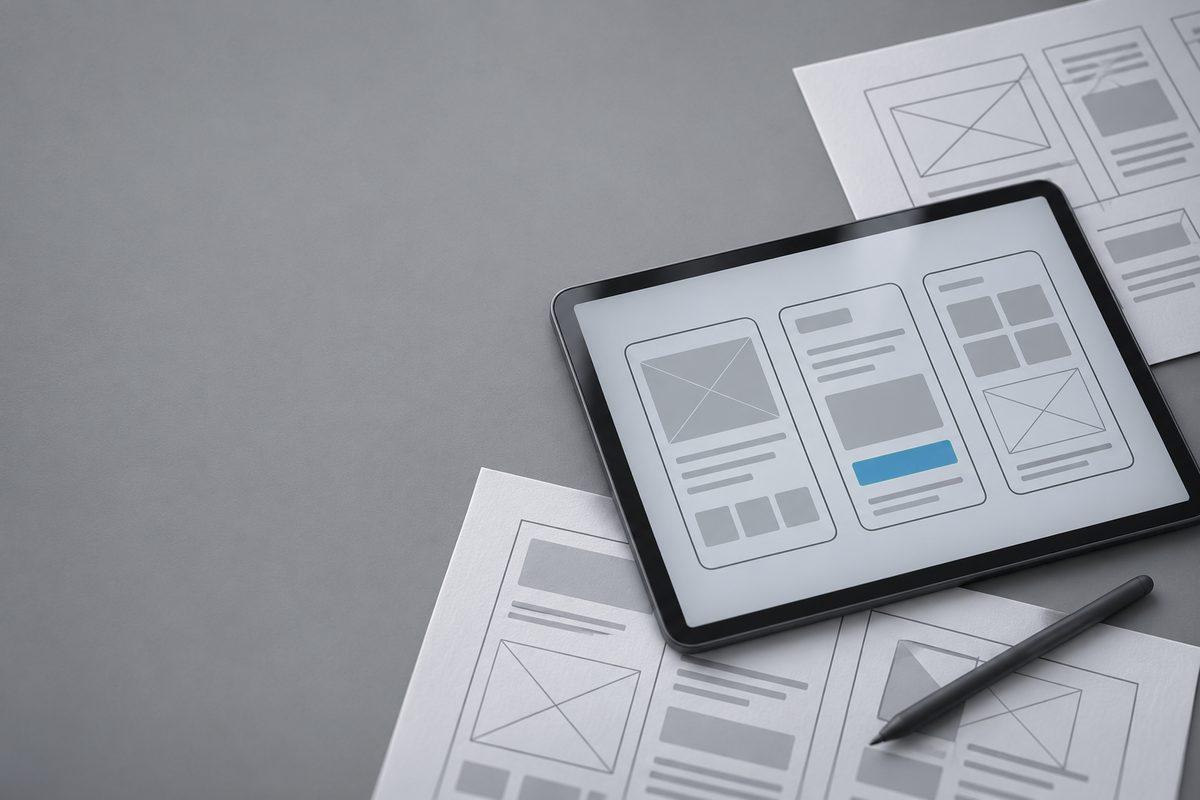
What UX design settles before anything is drawn
The cheapest moment to change a product is before it has screens. UX work starts with the tasks: who uses this, what are they trying to finish, and what do they already know when they arrive. From that comes a map of the flows and a set of wireframes, plain layouts with no styling, that you can click through.
Wireframes are where disagreements should happen. It costs nothing to remove a step or merge two screens at this stage, and a great deal after the interface has been designed and built around them.
What UI design adds, and what a design system is for
UI design turns agreed wireframes into the real interface: your brand's type and colour applied with enough contrast to read, spacing that holds on a small phone, and every component drawn in each of its states. For apps, it follows the platform's own conventions, Apple's Human Interface Guidelines on iPhone and Material Design on Android, so the product behaves the way people's other apps do.
A design system is the set of those components and rules, kept in one place. It is what stops a product drifting into five slightly different buttons, and it is what lets a developer build a new screen later without coming back to a designer for each one.
Designing for Arabic and English together
Right-to-left is not a mirrored copy of the English design. Arabic text runs longer or shorter than its English equivalent, needs more line height, and mixes with Latin product names and numbers inside one sentence. Icons that imply direction flip; others must not.
We design both languages side by side from the first wireframe. Adding Arabic to a finished English design is the most common reason an Arabic interface looks like an afterthought.
What drives the cost of UI/UX design
Four things decide it: how many distinct screens and flows the product has, how many kinds of user it serves, whether it runs on web, mobile or both, and whether a design system is built or one already exists. A redesign of a checkout is a small job. A new product with three user roles on web and mobile is a large one.
Testing with real users adds time and is usually worth it for the two or three flows that carry the business. The quotation on this site gives you a scoped estimate in AED.
What does UI/UX design include?
- User flowsThe tasks your users need to finish, mapped step by step, with the steps that can be removed marked for removal.
- Wireframes you can clickPlain layouts of every screen in the main flows, linked together, agreed with you before any visual design starts.
- Interface designThe finished screens in your brand, including the empty, loading, error and success states that presentations leave out.
- Arabic and English layoutsBoth languages designed together, with right-to-left layouts, Arabic type and mixed-language text handled properly.
- Design systemComponents, colours, type and spacing defined once, with the rules for using them, so the product stays consistent as it grows.
- Handover to developersDesign files with measurements, assets and notes on behaviour, and answers to your developers' questions while they build.
Design can be bought on its own or together with the build. If another team will build it, tell us what they build with before we start, because a design that ignores the developers' tools costs them time.
How a UI/UX design project runs
- ScopeThe quotation on this site captures what the product is, who uses it and which platforms it runs on.
- Flows and wireframesThe main tasks mapped and drawn as clickable wireframes, revised until the flow is right.
- Interface and systemThe visual design and the design system, in both languages, reviewed screen by screen.
- HandoverFiles and notes passed to your developers, or to ours if we are building it.
UI/UX design: common questions
Can you redesign an existing product without rebuilding it?
Usually, yes. We start from where users drop out or complain, redesign those flows first, and design within what the existing code can change without a rewrite.
Do you test designs with users?
We can, with people you put forward or a group we agree on together. Even five people attempting a task on a clickable prototype shows where a flow fails, and it is far cheaper than finding out after launch.
Who owns the design files?
Your quotation states what you receive: the editable design files, or the right to use the designs in your product. Ask for the one you need before work starts. The code that implements a design is a separate matter, with its own arrangement in the build quotation.
Last reviewed